
Playlist
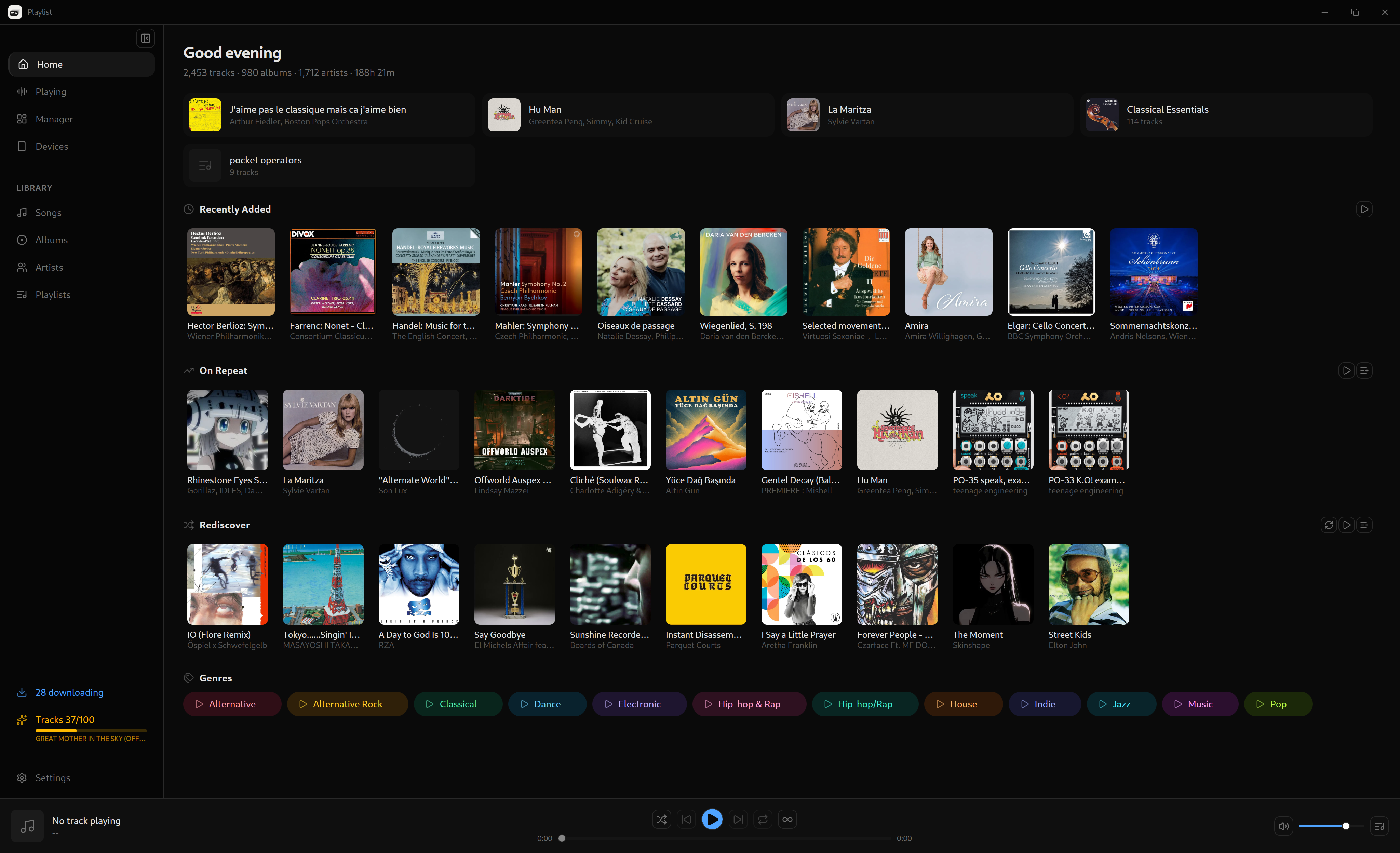
Liberate your music. Own your data. A desktop music manager that keeps your collection local and yours.
Windows, macOS, and Linux
Download from almost anywhere
Get tracks from YouTube, SoundCloud, Bandcamp, and hundreds more sources. yt-dlp installs and updates itself.
Discover missing music
Find the tracks that your albums miss, and the albums that your artists miss.
Smart playlists
Build playlists from rules: genre, year, play count, and more. The playlists update themselves.
Listening statistics
See plays per day and your most played tracks, artists, and albums. All data stays on your machine.
Last.fm scrobbling
Send now-playing updates and scrobbles. Plays made offline queue and submit later.
Watched folders
Select folders and the app imports new audio files from them. Bandcamp purchases land in your library.
Device sync
Copy playlists to USB drives, SD cards, and portable players. Removed tracks clean up on the device.
Rich metadata
MusicBrainz and Last.fm supply album art, genres, and release data. A tag editor writes tags into your files.
Full local playback
Queue, shuffle, repeat, crossfade, and volume normalization. Playback continues from the system tray.
Your collection, your responsibility
Playlist gives you autonomy over your music data. Use that freedom responsibly. Buy albums, back creators, go to shows.
Installation
Windows
.exe installer
Easy install/uninstall
macOS
.dmg — Apple Silicon & Intel
Drag to Applications
Debian / Ubuntu
.deb package
sudo dpkg -i playlist_*.deb
Fedora / openSUSE
.rpm package
sudo dnf install playlist-*.rpm
Flatpak
Coming soon on Flathub
flatpak install flathub com.playlist.app